Three receiving models
Simple receipt
Trust the operator to confirm the quantity. Show the product's home location, but don’t require it to be scanned.
Choose the location
The operator selects or scans the pallet, bay, lane or staging area where the stock is being placed.
Directed receipt
Tall Emu specifies where each portion should go and the operator scans the destination to confirm it.
Choose how quantities are counted
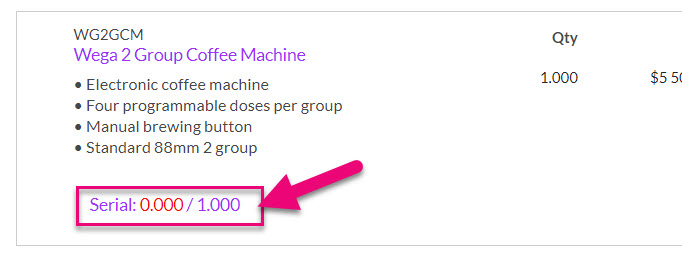
- Keyed quantity: scan the product once and enter the number received
- Scan each: scan every unit and let the count increase one at a time
- Use different approaches according to product type, delivery size and traceability needs
Receive stock into a location, pallet or staging area
- Pallet
- Bay or bin
- Receiving lane
- Staging area
- Quarantine
- Final storage location
- Interim location that creates a later putaway task
See what was expected and what actually arrived
- Expected and received quantity on every line
- Partial receipts
- Over-deliveries
- Unexpected products that were not on the inbound
- Serial, batch and expiry requirements
- Made-to-order demand and customer allocation
- Suggested home or directed destination
- Which operators are active and where they are receiving stock
Record problems during receiving
Problems are captured while the stock and evidence are in front of the operator.
- Damaged stock
- Quarantine required
- Quantity mismatch
- Wrong item
- Barcode won’t scan
- Unknown item
- Cannot find the expected line
- Other issue with a note
- Affected serial numbers or quantity
- Optional automatic routing to quarantine
Reconcile expected and received quantities before closing
- Compare expected and received quantities
- Show short, over and unexpected totals
- Review serials and destinations
- Review logged problems and quarantine actions
- Return to receiving if more stock needs to be processed
- Hold the inbound for office review
- Continue to putaway
Put received stock away after the initial receipt
- Show only stock that is still in a receiving lane, staging area or other interim location
- Move a complete pallet as one unit
- Move individual products where no pallet is used
- Scan the new final location
- Retain a movement log
- Complete and retain a read-only review of the inbound

