Live order queues
See orders waiting for stock, picking, packing, freight or invoicing instead of opening every order to find the next job.


Order fulfilment software
Use the same order for stock, warehouse, freight and invoicing. No re-entry at each handover.

Loved by Australian and New Zealand customers





In Tall Emu, an accepted quote becomes a sales order without re-entry. The sales order drives stock allocation, picking, packing and freight booking, and the same record produces the invoice, which syncs to MYOB or Xero. Customers, orders, stock, accounting and fulfilment stay linked - one record carries the sale from enquiry to delivered order.
Once the customer says yes, the same products, quantities, address, freight choices and promises should move into fulfilment. Tall Emu turns the sale into warehouse work without rebuilding the order in another system.
See orders waiting for stock, picking, packing, freight or invoicing instead of opening every order to find the next job.
Quoting, sales, purchasing, receiving and shipping all use the same stock position, including what is committed and incoming.
Use Warehouse Mobile to receive, put away, pick, pack, transfer and count stock with the right checks for each product.
Compare services, create the consignment and print labels without copying the customer address and package details into a carrier portal.
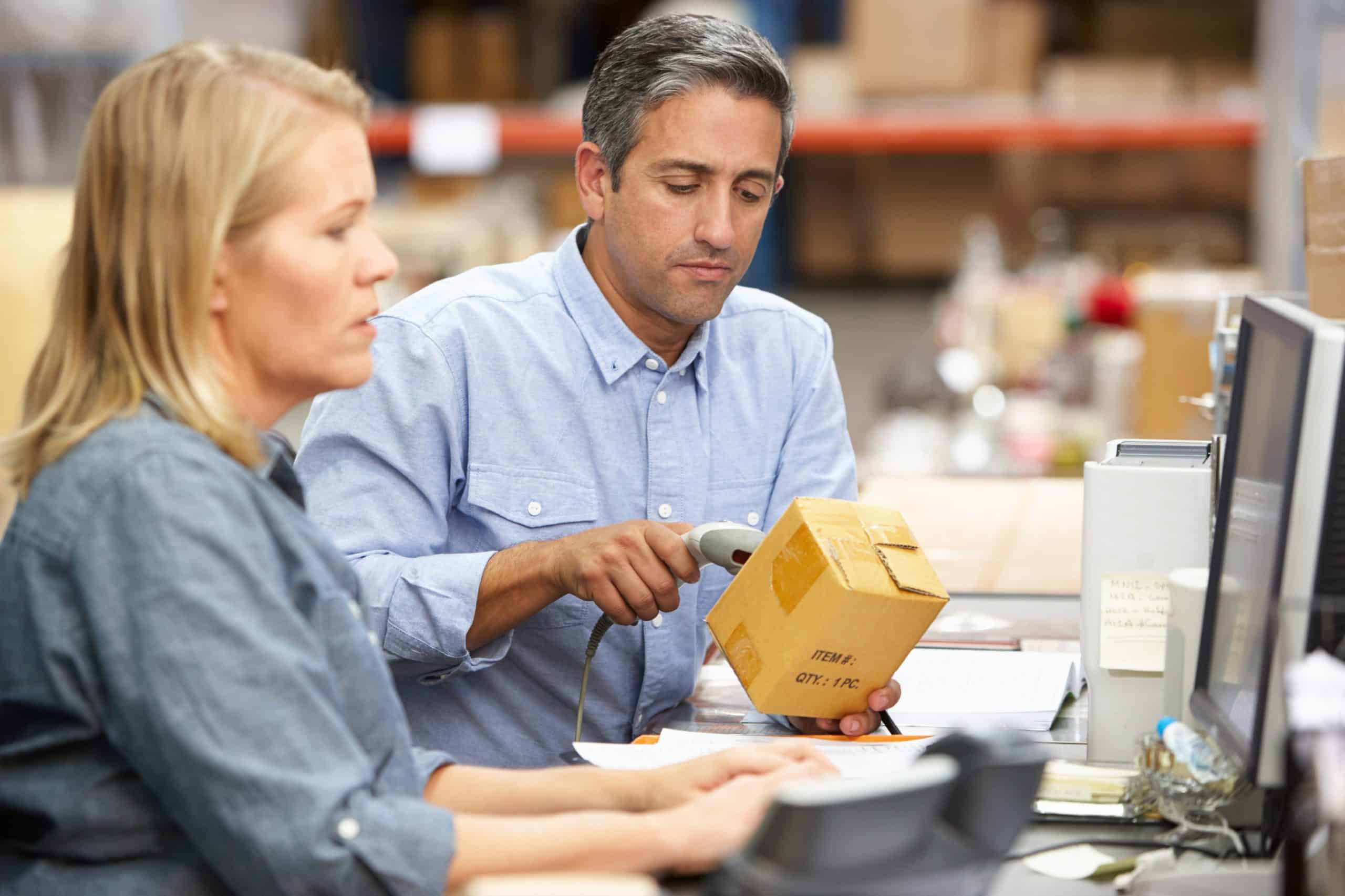
Run your own warehouse, fulfil from home, use a 3PL, dropship some products or combine them. Tall Emu keeps the customer and order process together even when different people or providers handle the stock.
Control locations, receiving, picking, packing, stocktakes and dispatch.
Keep sales and customer service in Tall Emu while an external provider handles some or all physical fulfilment.
Keep ordinary stock simple. Add locations, serial numbers, batches, expiry dates, pallets or made-to-order traceability where needed.
See stock on hand, committed, incoming and backordered across locations.
Know which unit or batch was received, held, picked and sent to the customer.
The accepted quote becomes the sales order. The order drives stock, warehouse work and freight. The invoice is emailed to the customer and sent to MYOB or Xero. Each team starts from information that is already there.
Whether the order arrived by phone, portal, ecommerce or Instant Buy, the business needs a clear Sales Order with the correct customer, products, quantities, location and payment state.
Allocate and release goods to the warehouse.
Retain demand until stock is received or made.
Generate or link production work.
Source goods or components.
Prepare and record collection.
Book freight, produce labels and retain delivery information.
The accepted sale allocates stock and generates the pick; the warehouse packs, books freight and ships - all against the original order, with no re-typing.
Yes - Freight Hub quotes connected carriers on the order's actual weights and destination, books the winner and prints the label.
Invoicing can follow shipment automatically - what shipped is what gets invoiced, and the record lands in MYOB or Xero.
Tall Emu is built and supported in Australia, with help available from 9am to 5pm Sydney time.
MYOB or Xero stays as your accounts. Tall Emu handles the leads, quotes, orders, stock, warehouse and customer work around it. Tall Emu and MYOB · Tall Emu and Xero
Connect the sales team, warehouse, freight and accounts without re-keying the transaction at every handover.
Prefer to talk? Call 02 9299 9959 or talk to a real person.