Call sales todayAU: 02 9299 9959NZ: +61 2 9299 9959

Warehouse Mobile

One warehouse app, set up for the way your team works.

Choose how staff receive, scan, track and pack stock, and which devices they use.

One app, set up for your warehouse

Warehouse Mobile can handle different warehouses without needing a different app for each one.

Choose the controls needed for each warehouse, location and product.

Warehouse and location configuration

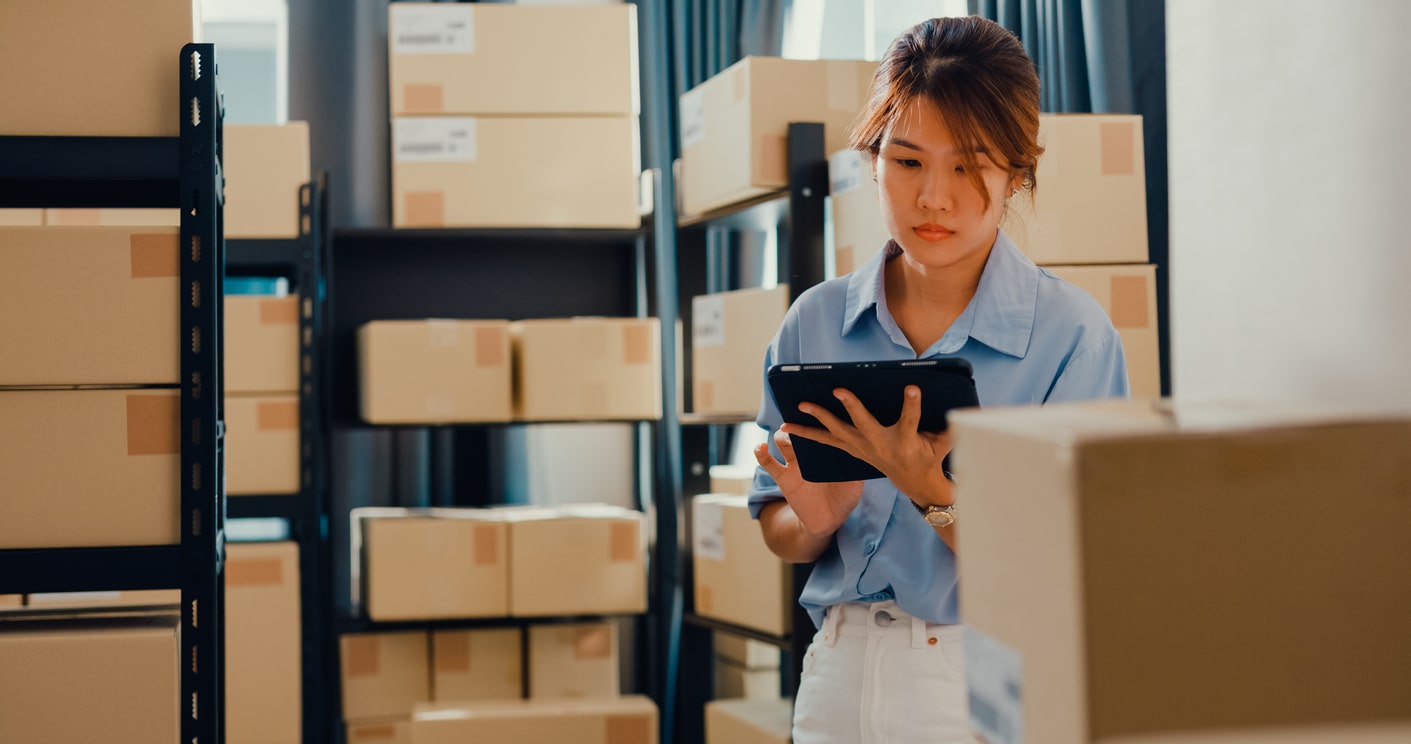
Warehouse worker using a tablet in the stock area
  • Use pallets or work directly with bays and bins
  • Require a location scan, make it optional or turn it off
  • Use simple, operator-selected or directed receiving
  • Treat a receiving location as interim or final
  • Use keyed quantities or scan every unit

Product and traceability configuration

  • Turn serial and batch capture on only for products that require it
  • Preselect exact serials where a particular unit has been allocated
  • Allow or prevent serial substitution
  • Use measured serials for rolls, reels or cut lengths
  • Use made-to-order barcodes for customer-specific items

Set the warehouse rules and scanning controls

  • Lock active shipments to a picker
  • Show product images on pick lines
  • Automatically move damaged or quarantined receipts to quarantine
  • Record package contents or simply declare the packages
  • Use Freight Hub or a manual courier and connote process

Choose the right device for each warehouse job

Packing-bench computer

A fixed computer with a USB scanner is inexpensive and reliable where the stock comes to the operator.


Phone or tablet

Use the camera for occasional scanning and photos, or pair a Bluetooth scanner for faster capture.

Rugged integrated device

Use one device with a built-in scanner, camera and physical scan buttons for continuous warehouse work.

Shared warehouse device

Use signed-in operator identity and warehouse selection so work remains attributable even when devices are shared.

Camera and scanner input

  • Camera-based barcode or QR capture
  • Torch support where the capture component and device permit it
  • Dedupe and single or multiple scan handling
  • USB, Bluetooth and integrated scanners that send the scanned value straight into the job
  • Camera photos for damage, incoming condition and packed packages

Use the same Tall Emu records

Warehouse Mobile uses the same users, warehouses, products and orders as Tall Emu. There’s no second product list or warehouse database to maintain.

Use enough control to prevent mistakes, without making simple work painful

Start with a simple setup and add faster scanning and tighter controls as volume grows.

Prefer to talk? Call 02 9299 9959 or talk to a real person.